Optional module
Design the label. Print during packing.
Build labels with your logo, QR codes, barcodes and current production data. Reuse designs across items and orders, and print as each package is completed.
Visiolog LabelPrint
The right label on every package
- 01Design
Text, logos, QR codes and barcodes
- 02Link
Items, orders and production fields
- 03Pack and print
Automatic printing, history and reprints
How it works
From label design to the finished pallet in four steps, in the same system that runs production.
 1
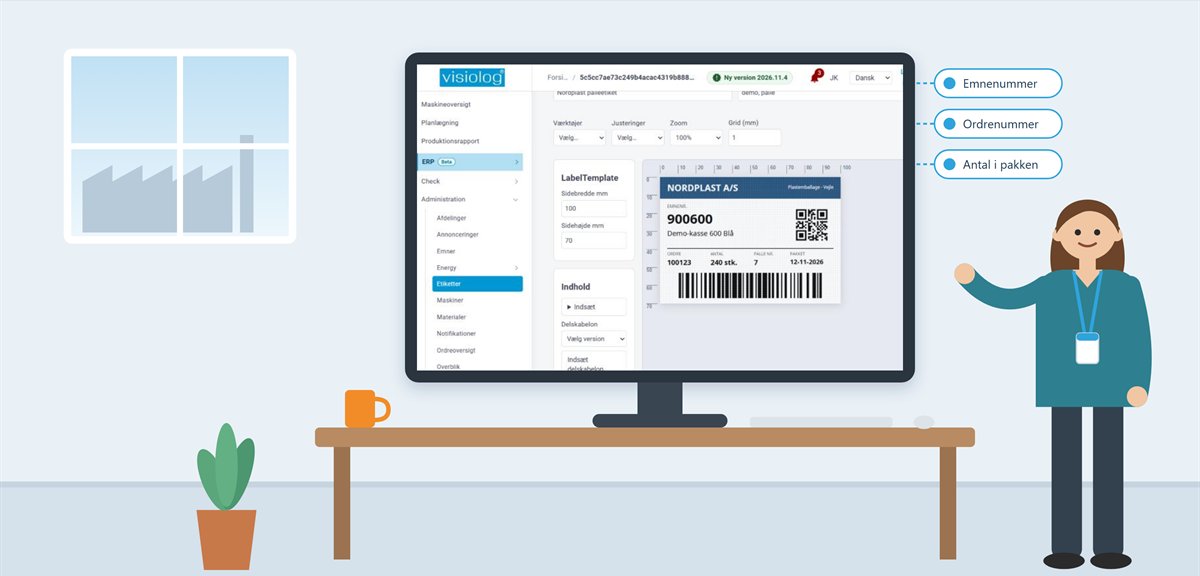
Design the label
Place logos, text, QR codes and barcodes in the visual designer. Fields such as item number, order number and quantity per package are filled in automatically.
 2
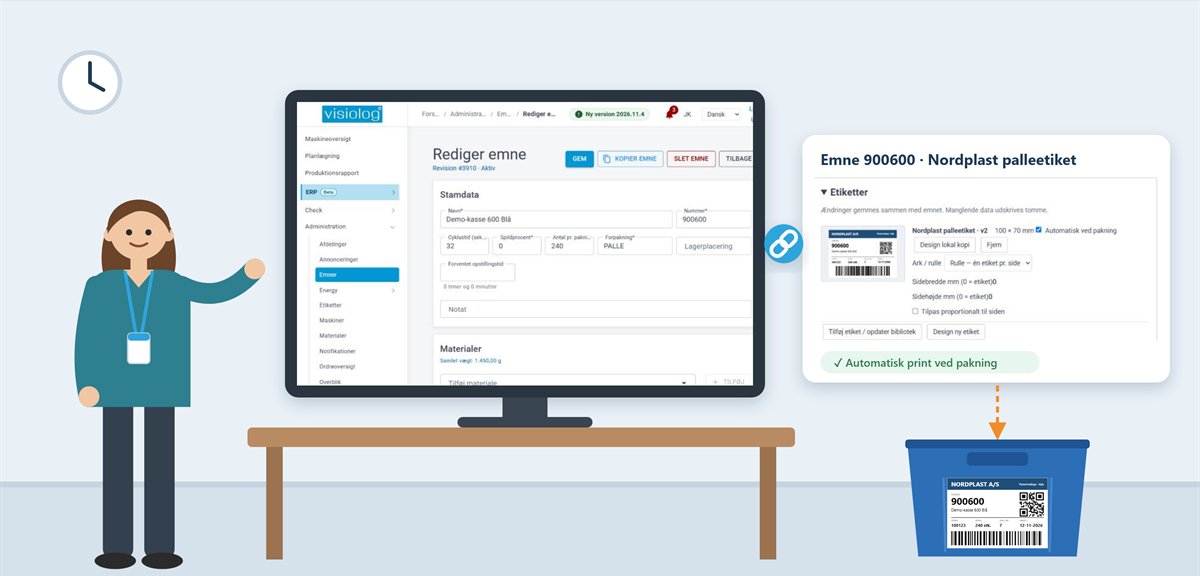
Link it to the item
Link the label to the item once and enable automatic printing. It follows every order and can be adjusted on individual orders.
 3
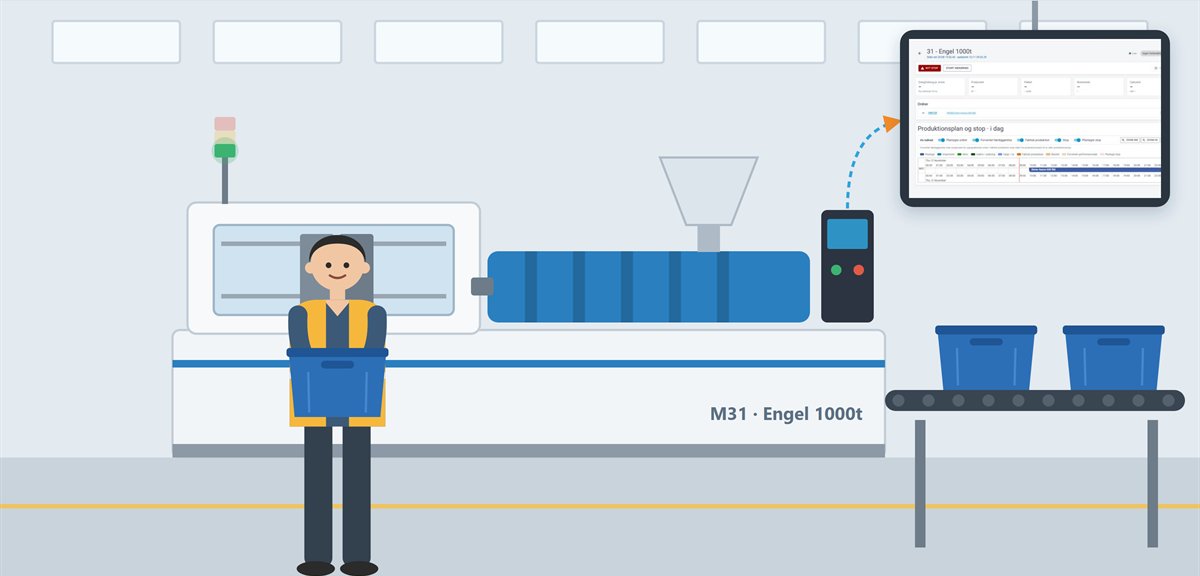
Produce
The order runs on the machine and Visiolog tracks cycles and progress. The label takes its data from there, so nothing needs to be typed.
 4
Pack and print
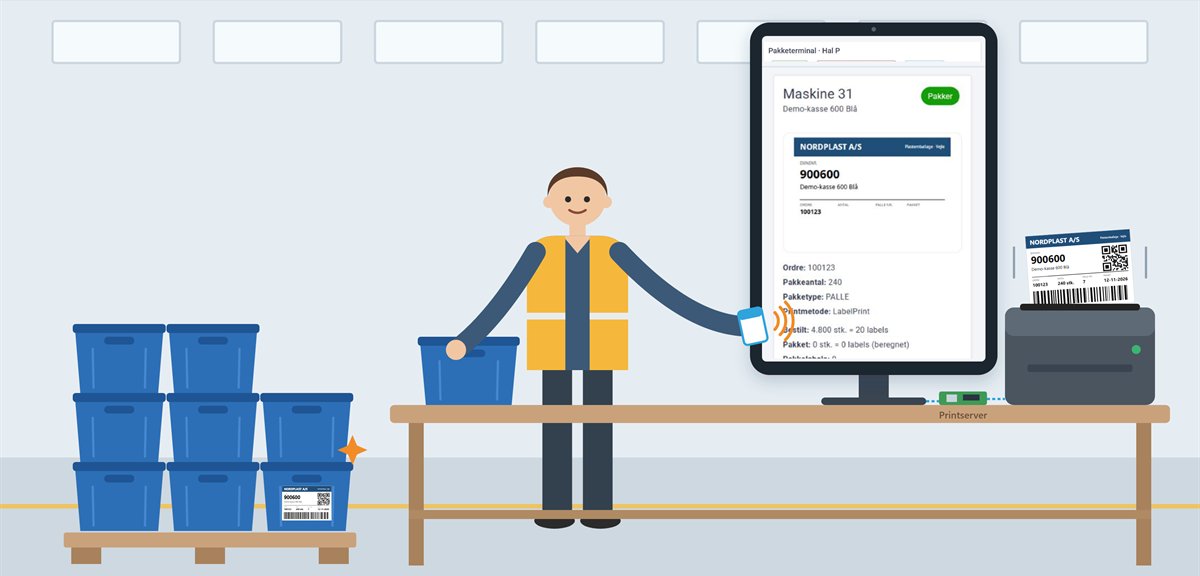
The operator registers the package on the packing terminal, and the label prints automatically with current order, quantity and time data.
Also included: library with versions and reusable components · sheet and roll formats · history and reprinting by order and package. The illustrations show the Danish interface.
Built-in LabelPrint or BarTender
Use Visiolog's designer and library, or retain BarTender integration if it fits your label environment. Printing routes and printer setup are agreed for each installation.
Design directly in Visiolog
Work with your own layouts, reusable components and production fields. Preview using test data or an order before using the label.
Connect to BarTender
Send supported production fields to your BarTender label server. Layout and printer setup are managed in your chosen print environment.
See what Visiolog can show about your production
Book a demo and we will walk through the system using your machines as a starting point.
- A no-obligation walkthrough
- We usually respond within one working day
- Danish support from Silkeborg, 31 13 16 60
Prefer to try it yourself? Try the demo factory
Book a demo
Leave your details and we will call or email you.
Would you rather pick a time yourself?
Thank you, we have received your message
We usually contact you within one working day. If it is urgent, call 31 13 16 60.